

Your WhatsApp answers, books and reminds your clients 24 hours a day
I set up and look after an AI customer service dashboard connected to your WhatsApp and your Instagram. You step into the conversation only when it needs a person.
Not on WhatsApp? Send me a message
- Official WhatsApp
- Chat on your website
- Google Business Profile
- Telegram

Where clients get lost
How many clients reach your WhatsApp and leave without an answer?
- WhatsApp10:47 PMA late-night message answered only the next morningno reply
- WhatsAppall dayThe same price question twenty times a dayno reply
- WhatsApp3 days agoQuote sent and the conversation went quietno reply
- WhatsAppSaturdayA client who forgets the appointmentno reply
- WhatsAppnowYour phone ringing in the middle of another appointmentno reply
- WhatsAppthis monthNo idea how many people reached outno reply
How it works
Your customer service working at any hour. The 11 PM message gets answered, the time goes on the calendar, the reminder goes out on Friday, and in the morning you know who's ready to close.
Below is what happens at each stage, from the client's first hello to the end-of-day summary.
Step 01
The AI answers the client right away. With the prices, hours and address you set up.
- Answers in seconds, even late at night
- Uses only the information you approved
- Asks for the name and what the person is looking for
What the AI did
Step 02
It books the time on your calendar. And reminds the client before the day, so they don't miss it.
- Offers only the open times
- Books straight onto your calendar
- Sends the reminder the day before
Step 03
It puts each contact in a stage. You see on one screen who asked for a quote, who booked and who needs you.
- From new contact to booked
- Every contact with the full conversation saved
- A message can go out on its own when the stage changes
Step 04
It reaches back out to people who stopped replying. Forgotten quotes stop sitting in the middle of your conversations.
- A message 1 hour, 1 day, 3 or 7 days later
- Written from what was discussed
- Stops on its own when the person replies
Cadence
1 hour1 day3 days7 daysStep 05
It turns comments into clients. Whoever comments the keyword on your post gets a reply and becomes a contact.
- Replies to the comment on the post
- Sends the material by DM
- Saves the contact with its source tagged

128 likes
Add a comment...
Step 06
It shows how your day went. The customer service numbers show up on the dashboard and arrive on your WhatsApp.
- How many people reached out and how fast they got an answer
- Who's ready to close
- The daily summary arrives on your WhatsApp
Your daily report · updated just now
Who it's for
Made for the way
your business serves people
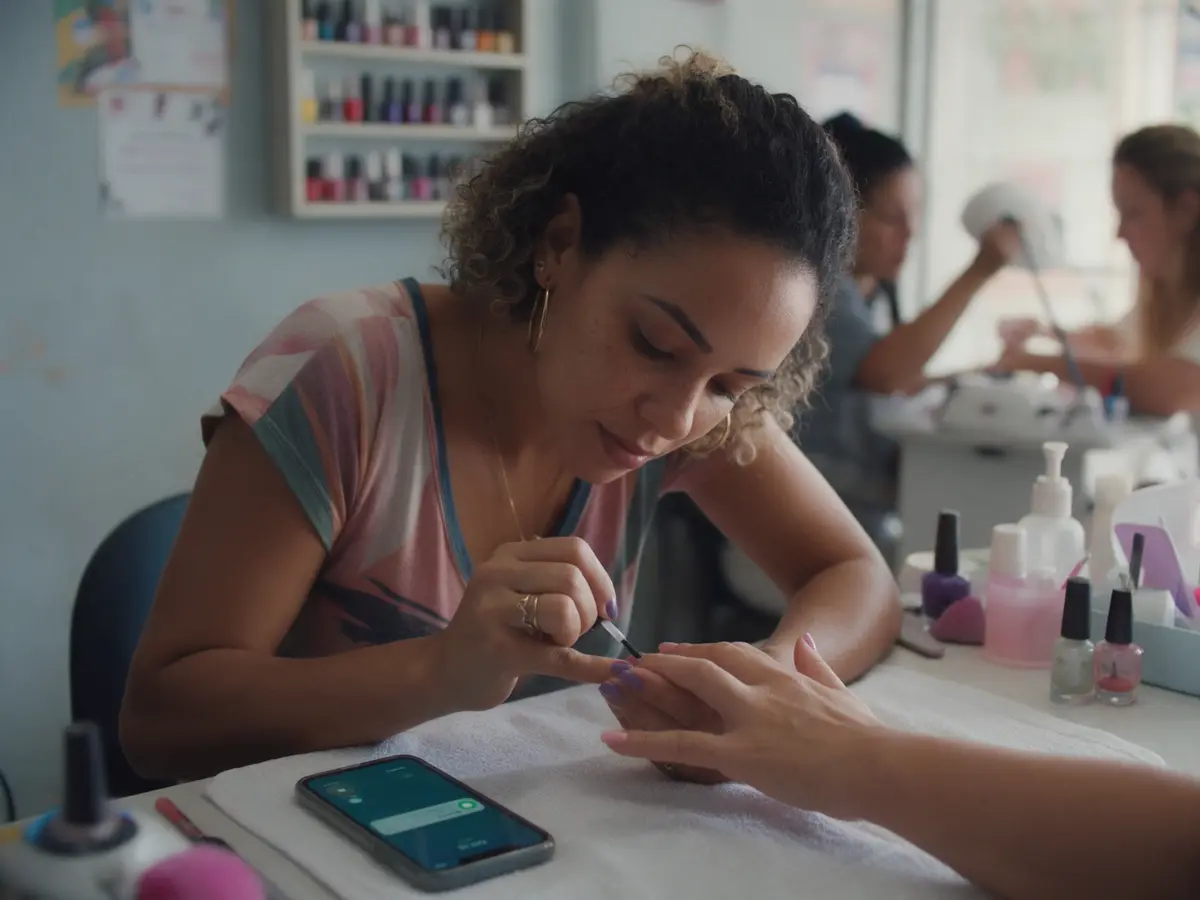
Salon and med spa
1 of 7 · swipe sideways

Salons and med spas
hair salon, nails, med spa, barbershop
What's holding it back today
Clients ask for appointments by DM and on WhatsApp at the same time, and the calendar turns into a notebook full of scribbles.
On the WhatsApp of a salon, the AI
- shows each professional's open times
- confirms the day before and cuts no-shows
- offers the open slot when someone cancels
Don't see your business here?
If your clients message you on WhatsApp to ask, book or buy, the dashboard works for you too. Tell me how you handle clients today and I'll show you.
Integrations
75 ready-made integrations. The dashboard talks to your calendar, your payment system and the tools your business already uses.
- OpenAI
- Claude
- Gemini
- ElevenLabs
- Stripe
- Mercado Pago
- InfinitePay
- Asaas
- Google Calendar
- Calendly
- Cal.com
- Clinicorp
- ClinicWeb
- Meta Ads
- Google Ads
- RD Station
- Shopify
- Hotmart
- Kiwify
- WooCommerce
- Google Sheets
- Bling
- Omie
- Conta Azul
AI and voice
- OpenAI
- Claude
- Gemini
- ElevenLabs
Payments
- Stripe
- Mercado Pago
- InfinitePay
- Asaas
Scheduling
- Google Calendar
- Calendly
- Cal.com
- Clinicorp
- ClinicWeb
Marketing and ads
- Meta Ads
- Google Ads
- RD Station
Stores and courses
- Shopify
- Hotmart
- Kiwify
- WooCommerce
Management and spreadsheets
- Google Sheets
- Bling
- Omie
- Conta Azul
Some depend on the package we agree on. When we talk, I'll tell you what applies in your case.
Features
Everything in one dashboard,
set up for you
AI analysis
An AI that reads every conversation
It scores each contact, says whether they're cold, warm or hot, summarizes the conversation and suggests the next step.
Connects to what you already use
Calendar, payments, spreadsheets and ads all talk to the dashboard.
Let the AI handle the first conversation
It greets, qualifies and books, 24 hours a day, and hands off to you when the conversation needs a person.
Customer service numbers
How many people came in, where they came from and at which stage the conversation stopped.
No hassle
You don't need to understand
technology
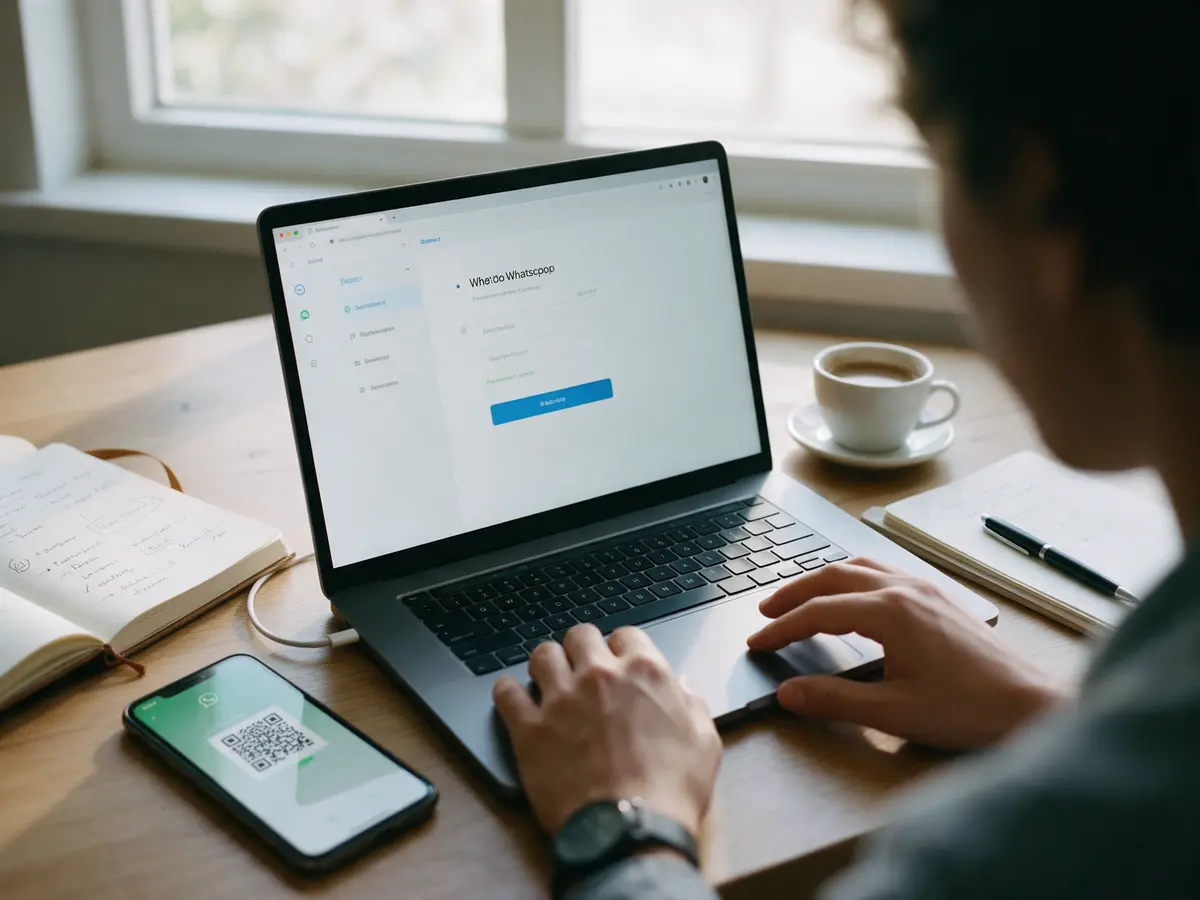
A lot of people are afraid of signing up and not knowing how to use it. Here, I take care of the technical part. You keep serving clients your way, and I tell you what happened in plain English.
 1
1I set it all up
You don't open a single setting.
 2
2It runs on its own
You serve clients. The AI handles WhatsApp.
 3
3I keep an eye on it
Every month I read through everything and adjust it.
 4
4You understand it
A simple summary, right on WhatsApp.
Have a question at any point? Message me on WhatsApp and I'll explain.
Your customer service
before and after
- Late-night messages answered only the next morning
- Quotes forgotten in the middle of conversations
- Appointments booked through endless back-and-forth
- Clients who don't show up and don't warn you
- No idea how many people reached out this month
All of this already runs
in my own business
When you message me on WhatsApp, you're answered by Marina, an AI assistant that explains the ÓRBITA Map, answers questions and sends the payment link.
When the payment comes in, the person gets the next message within a few minutes, without me opening the bank app. And anyone who comments ÓRBITA on one of my posts gets the material in their DMs right away.
Before I set it up in your business, I use it in mine.
Questions people ask
before getting started
Want to see how it would look
on your WhatsApp?
Message me and tell me how you handle clients today. I'll tell you what the assistant would do in your case. Marina answers first, the assistant I mentioned above.