


Quick answer
Most of the time a business doesn't show up on Google for one of these reasons. The profile hasn't been verified yet or was suspended. You searched for the service, and Google only shows your business to people nearby. The category is wrong. The profile is incomplete or has few reviews. Or the website is set to stay hidden, is new or has no text. You can find out which one is yours in ten minutes with the test below.
The ten-minute test
Before looking for the reason, make sure you searched the right way. Google shows different results to each person, based on where they are and what they've searched before. You search your own business every week, so you see a page nobody else sees.

- Open a private browsing window on your phone
- Search the exact name of your business. If it shows up, your profile exists and is live
- Search the service and the neighborhood, like "therapist Midtown". If it doesn't show up here, your profile exists and the problem is where it ranks
- Ask someone in another part of town to run the same search and send you a screenshot
- Open your profile dashboard by searching "my business profile" while signed in to the account that created it, and check for any warnings
- Search site:yourdomain.com on Google. If no pages come up, Google hasn't saved your website yet
Showing up for your name and not for your service is the most common case, and it's almost never a mistake. Reasons 3 to 6 below explain why.
The eight reasons, and what to do
1. The profile wasn't verified
An unverified profile doesn't show up for anyone. These days Google almost always asks for a short video showing the place, the sign and proof that the business is yours, and sometimes a phone call or a code. What to do. Open your profile, find the verify button and follow the request. If you work from home, show your work equipment and a business document in the video.
2. The profile was suspended
The warning shows up on your dashboard. The most common causes are extra words in the name, an address that doesn't exist or is a PO box, a home address shown when you serve clients elsewhere, and changing a lot of information at once. What to do. Fix whatever breaks the rules before asking for a review, because Google looks at the profile as it is when you ask. Gather a photo of your storefront, a utility bill or a business document, which is what Google asks for.
3. The person searching is far from you
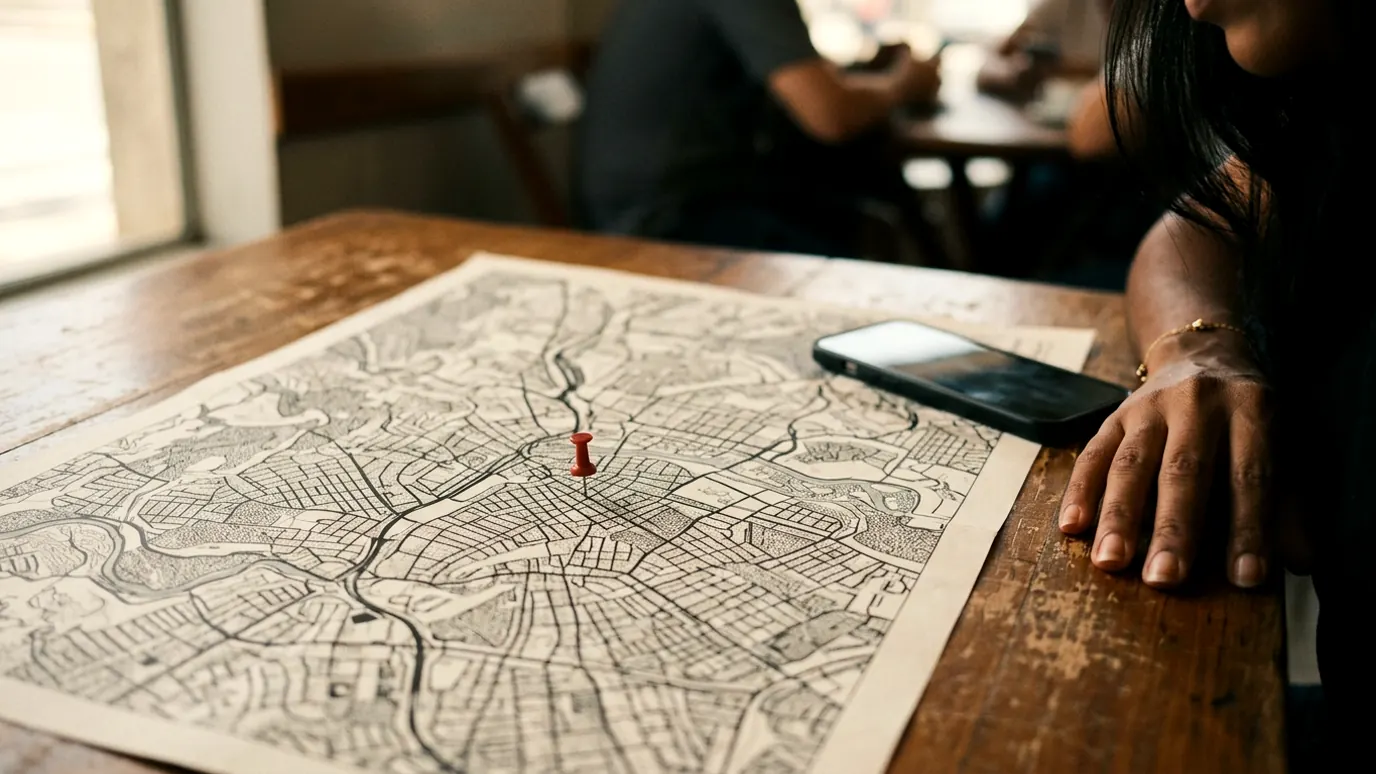
On the map, distance matters most. Someone searching from across town sees the businesses near them, and nothing you do in your profile changes that. What to do. What reaches people farther away is your website, with a page for each service and each area you serve. And if you work online, say so in your profile and on your website.
4. The category is wrong
Your primary category tells Google what you are. A nutrition practice listed under Medical clinic competes with hospitals and loses. What to do. Choose the most specific category that exists for your main service, and add the others as secondary. Look at the category of the top three on the map for your search, which is a good clue.
5. The profile is incomplete
A profile with no services, no photos, no description and no hours loses to one that filled everything in. What to do. Add each service with the name people type, upload real photos, write the description and check your hours. The full step by step is in How to show up on Google.
6. Few reviews, or none
Between two similar profiles at the same distance, Google shows the better-known one, and reviews are the strongest sign of that. It counts how many you have, your rating and whether they're recent. What to do. Ask every client for a review with the direct link, and reply to all of them. The ready-to-send message is in the guide on how to show up on Google.
7. The website is set to stay hidden

This happens a lot with WordPress sites. There's a box in the settings called "Discourage search engines from indexing this site", and it stays checked from the time the site is being built. Nobody remembers to uncheck it when the site goes live. What to do. In your WordPress dashboard, open Settings, then Reading, and uncheck that box. On Wix and other platforms, look for the search engine visibility option.
8. The website is new or has no text
A newly published website takes days to weeks to be found. And a website with its text inside images stays empty to Google, even after that. What to do. Add your website to Search Console, Google's free tool for website owners, submit your sitemap and request indexing for each page. Then check that every page has real text you can select with your mouse.
My business used to show up and disappeared
When a profile suddenly disappears, it's almost always one of three things. A suspension, which shows up as a warning on your dashboard. A change in your information that Google is still reviewing, like your name, address or category. Or a new competitor near you with a more complete profile, now showing up in your place.
To reinstate a suspended profile, fix whatever breaks the rules and request a review from the dashboard itself, with whatever proof Google asks for. The answer usually takes a few business days. Avoid creating a new profile while the old one is under review, because two profiles for the same business make things worse.
How to know if your business is showing up
Your profile dashboard shows how many people saw your business, for which searches and how many tapped to call, get directions or visit your website. Check it once a month. If searches for your service are going up, your profile is gaining ground. If only searches for your name show up, you still depend on people who already know you.
For your website, Search Console shows this, with the searches that brought it up, how many times and in what position. Since August 2026 it also shows when your website appears in Google's AI answers.
The summary in one table
Doesn't show up even by name
- The likely reason
- Profile not verified or suspended
Shows up by name, not by service
- The likely reason
- Distance, category, incomplete profile or few reviews
Shows up on the map, the website doesn't
- The likely reason
- Website set to stay hidden, new or without text
Used to show up and disappeared
- The likely reason
- Suspension, a change in information or a new competitor nearby
| What you see | The likely reason |
|---|---|
| Doesn't show up even by name | Profile not verified or suspended |
| Shows up by name, not by service | Distance, category, incomplete profile or few reviews |
| Shows up on the map, the website doesn't | Website set to stay hidden, new or without text |
| Used to show up and disappeared | Suspension, a change in information or a new competitor nearby |
Questions

Written by
Chris Lopreto
I'm Chris Lopreto. I started out in design, doing brand identity and websites for health and service businesses, and I saw that a website alone didn't make clients reach out.
Today I look at the whole path, from Google to WhatsApp, and I use AI and automation across the whole operation. That's why I handle the project from the diagnosis to the live website, without passing it from hand to hand.