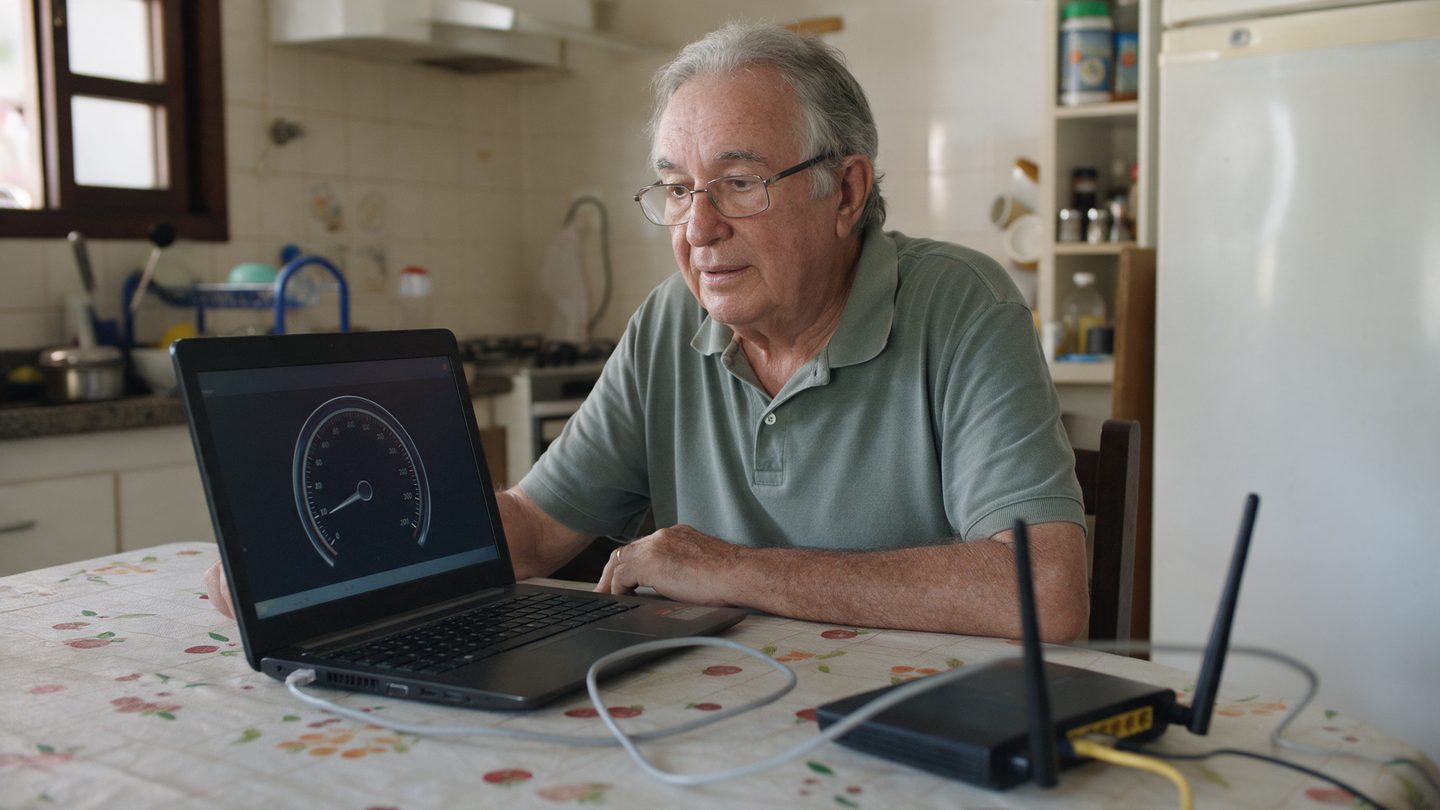
A speed test measures how much internet is reaching that device, in that spot, at that moment. If the device is old or far from the router, the test shows the limit of the device and the Wi-Fi instead of the limit of your plan.
Five things to check
- Computer on a network cable. This is how you measure what really reaches your home. Use a Cat 5e or Cat 6 cable, because the old Cat 5 cable tops out at 100 Mega
- Nobody else using the internet. Pause the TV, the video game and any downloads
- Only one test open. Close the other browser tabs
- On Wi-Fi, stay close to the router and use the 5 GHz network
- Three tests in a row. Use the average of the three, even if one comes out lower
Every device has a limit
Many phones and laptops top out at 200 to 400 Mega on Wi-Fi, even on a 1 Giga plan. That depends on the device's network card. So the cable test is the one to compare with your plan.
What each number means
- Download. The speed for receiving data, opening sites, watching videos and downloading files
- Upload. The speed for sending data, video calls, backups and sharing videos
- Latency or ping. The response time, and the lower the better
If the cable test comes out well below your plan, send a screenshot with the time to Soma on WhatsApp. The team compares it with what shows up on your connection.