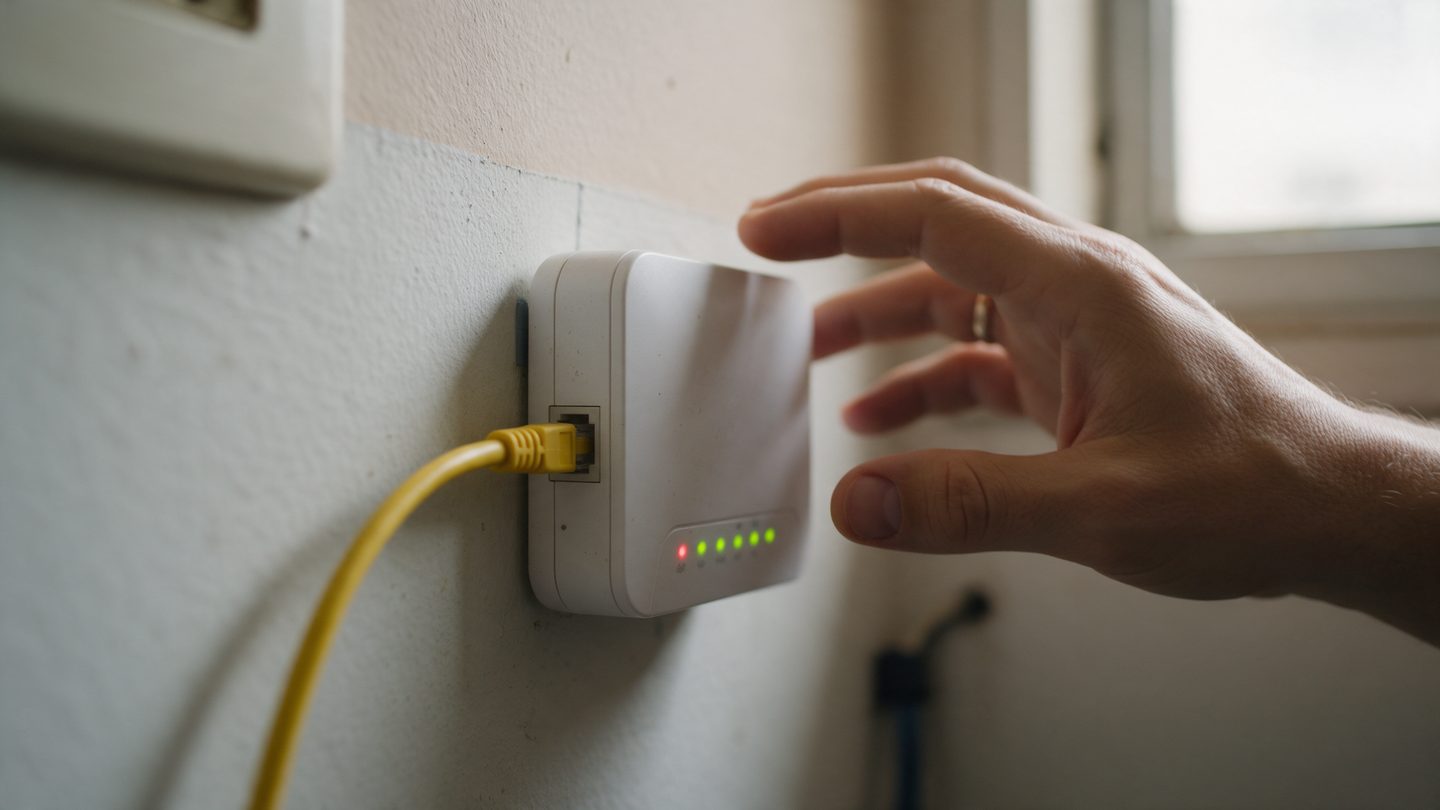
Fiber reaches your home through a thin cable, usually yellow, that plugs into a small device called an ONU. This device turns the light from the fiber into internet for your router. The lights on the front show the state of your connection.
The most common lights
- POWER. When it is on, the device is plugged into the outlet
- PON. Solid on means the device is talking to the Soma network. Blinking means it is trying to connect
- LOS. This is the light that matters. It stays off when everything is fine and turns red when the fiber signal is not getting through
- LAN. Shows that the cable to the router is connected
Red LOS light, what to do
- Check that the yellow cable is not bent, crushed behind furniture or pulled tight
- Unplug the device for 30 seconds and plug it back in
- Do not unplug the fiber cable from the device. The tip is delicate, and any dirt on it drops the signal
If the light stays red
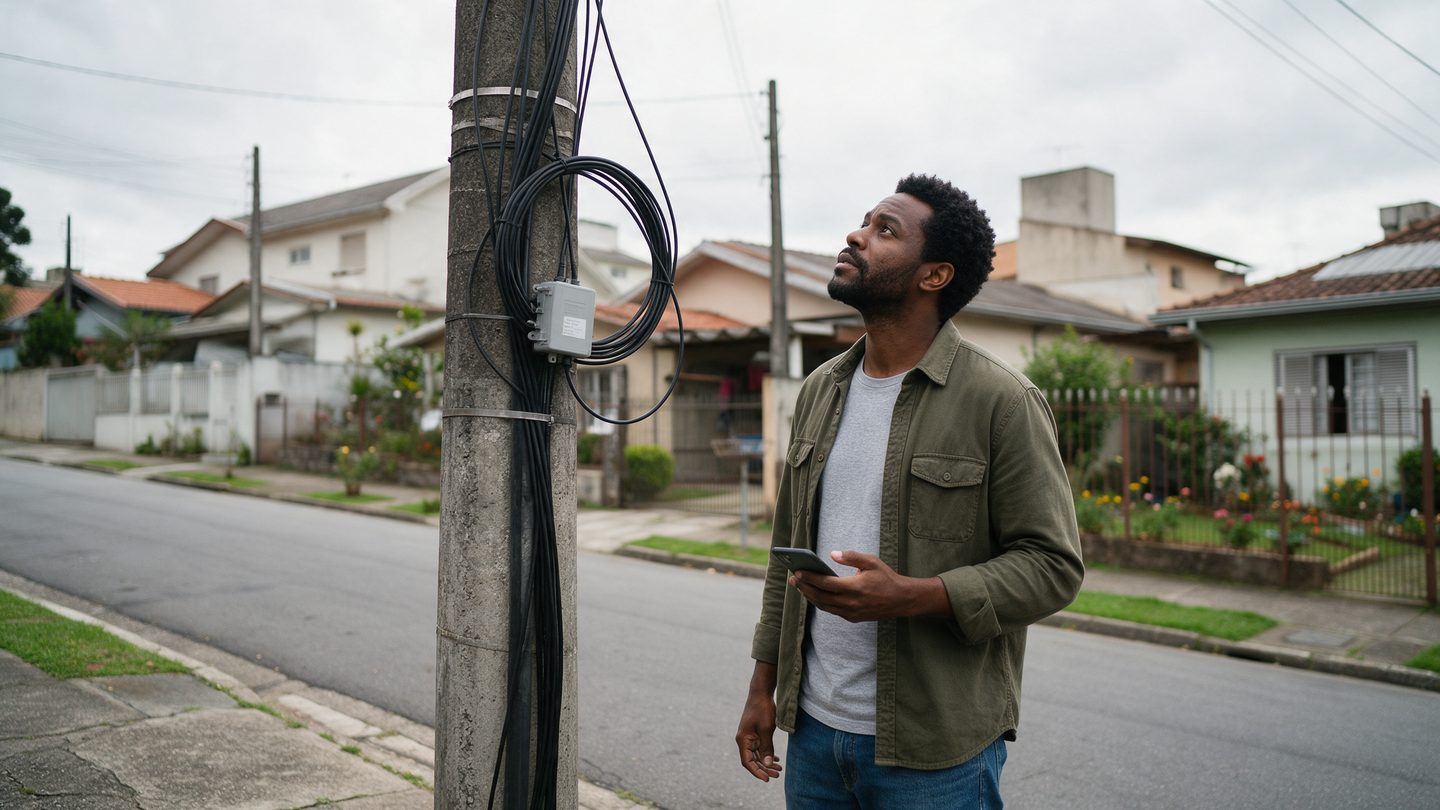
If the LOS light is still on after a restart, the signal is not reaching your home. It could be a broken cable on the street, a box on the pole or network maintenance, and that needs the Soma team. Send a photo of the lights on WhatsApp and the team will know what to check.