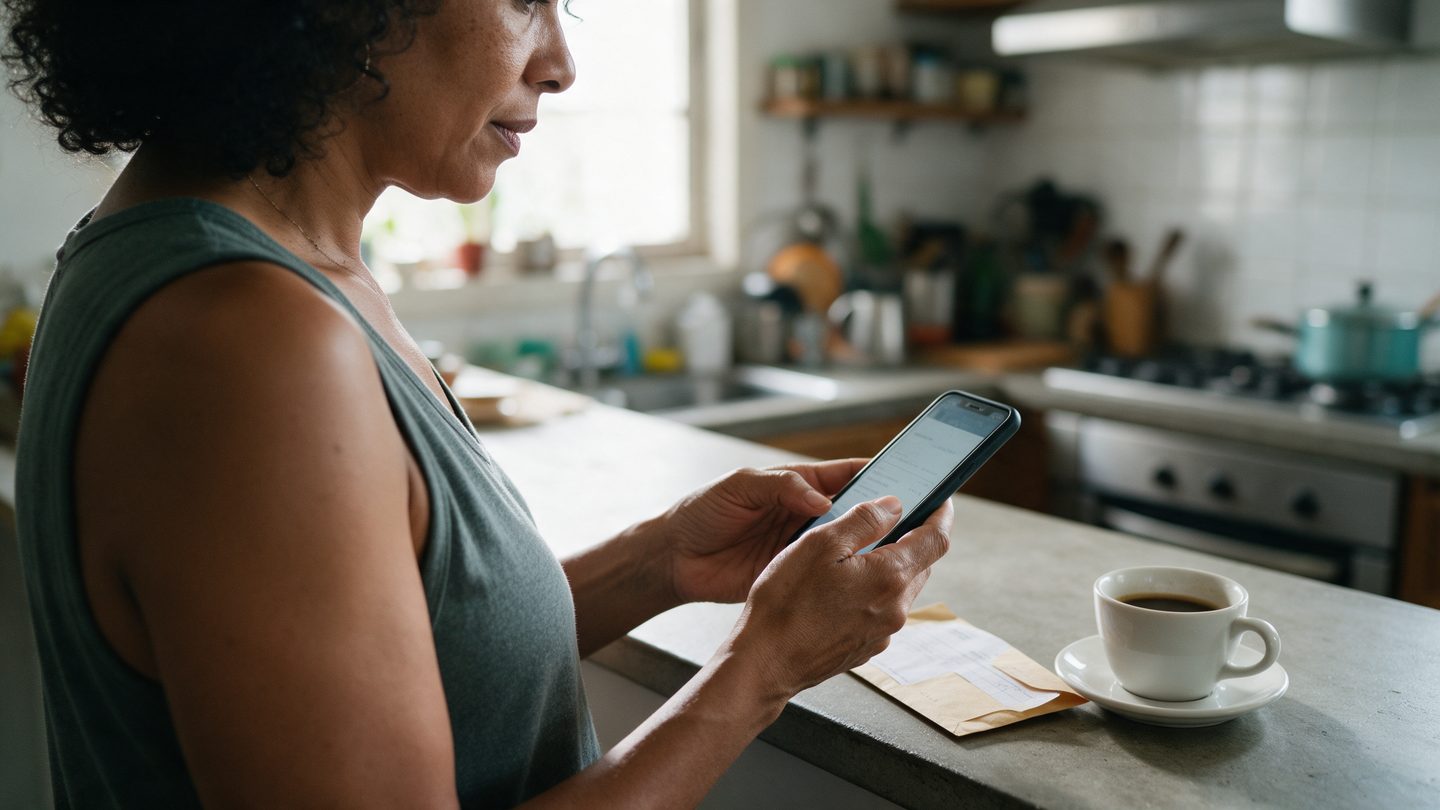
You can pay your Soma bill by Pix or by boleto. If you lost the email or the message with the code, you can get a bill copy in a few steps.
Through the Customer area
- Log in to the Customer area with the account holder's CPF or CNPJ
- Your open bill shows up first, with the amount and the due date
- Tap copy Pix, or download the boleto
The Customer area is open 24 hours a day, weekends included.
Through WhatsApp
Message (41) 98404-1081 asking for a bill copy, with the account holder's CPF. Support runs Monday to Friday, 9 am to 5 pm.
Your due date
When you sign up, you pick a due date on the 1st, 5th, 10th, 15th or 20th. If that day no longer matches your payday, ask to change it on WhatsApp.
If you already paid
Pix payments usually clear the same day. A boleto can take up to 3 business days to show as paid. If a payment reminder arrives after you paid, keep your receipt, and the team can check it if needed.